How to claim your username
Tryb is the only page you'll ever need to connect and share your entire online presence.
Our extensive toolkit makes it possible for anyone to share links and media, create content, monetise and grow online with a single bio-friendly link.
Getting started is easy! All it takes is a few minutes and a few simple steps to set up a page, ready to be shared everywhere.
First things first, you'll need to claim your username:

Head to the Tryb homepage and input your desired username, then click on the Claim button:
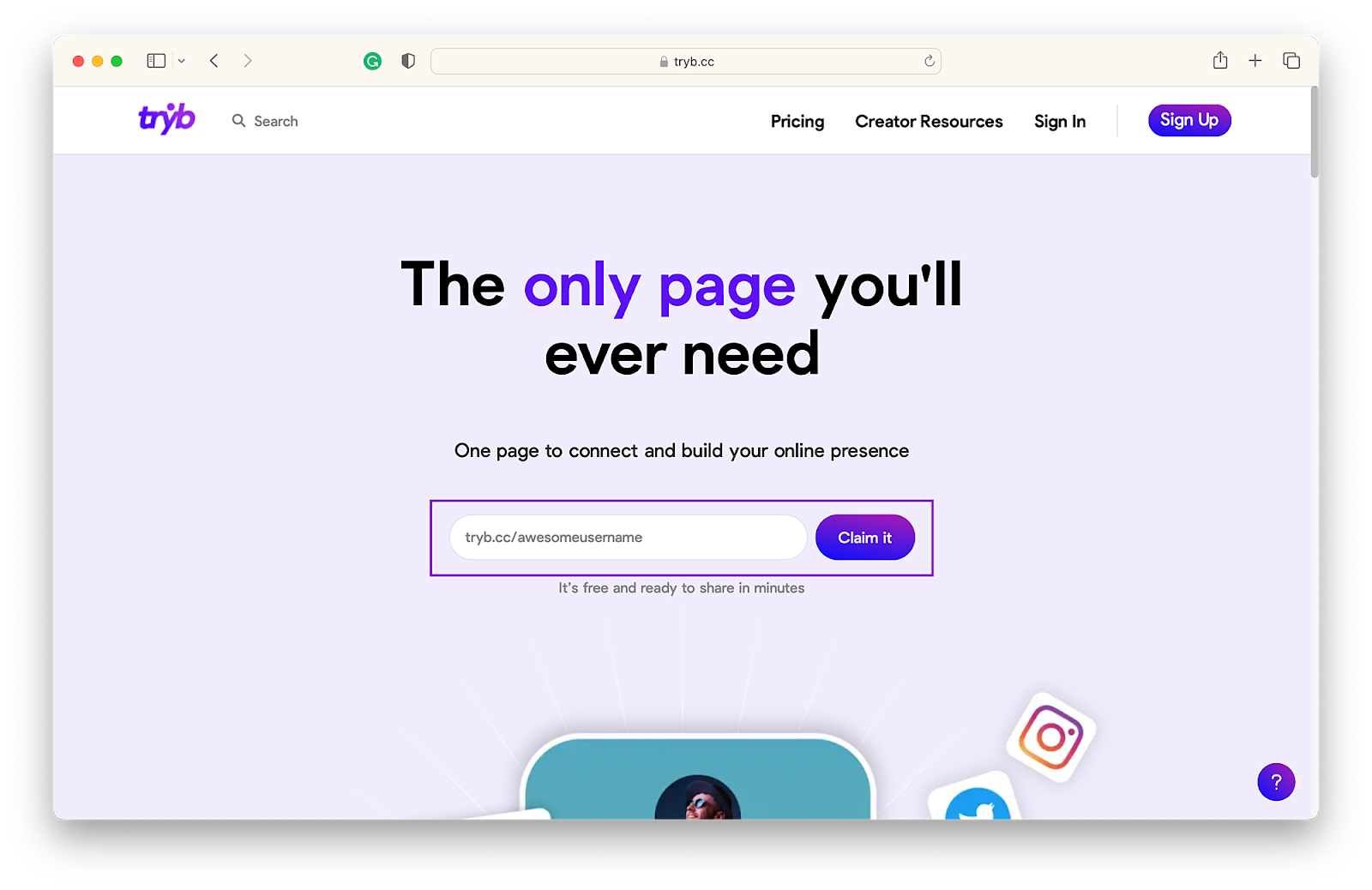
If the username you entered is available, you will be taken to the sign up screen where you are required to input your email address and name. Fill out the fields and click on Sign up:

You will then be sent a verification email with a link to continue the sign up process:

That's it, username = claimed! 🚀